
ProductLeave & Availability
Know who can work before you build the roster.
Doctors submit leave, availability and shift preferences in the PlanMyRounds app before scheduling begins. Approved leave is a hard rule, so no one is rostered on a day they are off.
Free for up to 10 doctors. No credit card.
Leave in, before the roster is built
Leave collected after the roster is published means rework. PlanMyRounds asks for it first, then builds around it.
Collect availability in one place
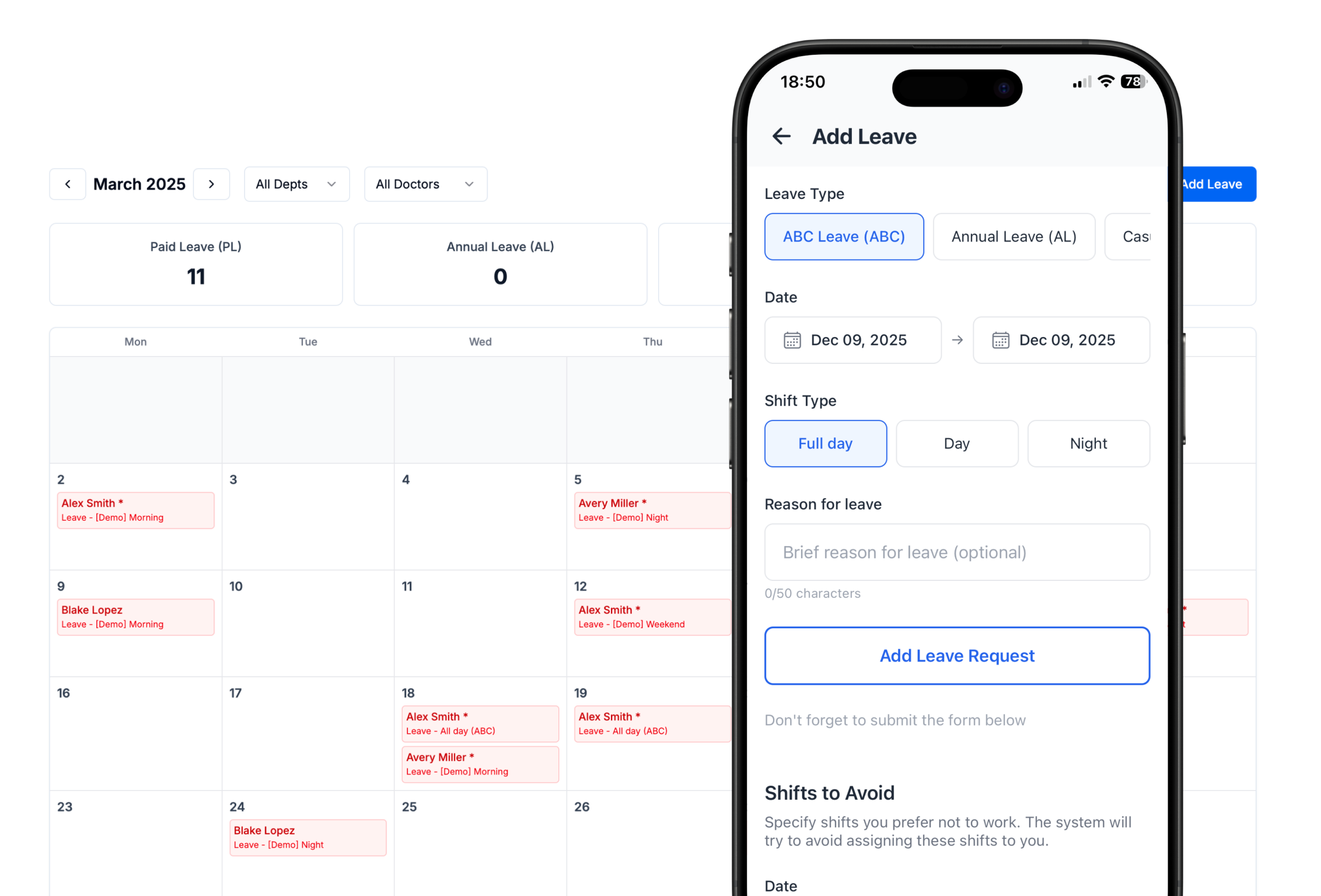
Doctors add leave from their phone: the leave type, the dates, and whether it covers the full day, the day shift or the night shift. They can also mark shifts they would prefer to avoid.
- Available
- Unavailable
- Leave, by type
- Shifts to avoid
Give administrators one view of the inputs
Every request lands in one calendar, filterable by department and doctor, with leave balances by type. Admins approve or override before the roster is generated.
- Leave calendar by department
- Filter by doctor
- Balances per leave type
- Approve or override
Keep unavailable doctors out of the roster
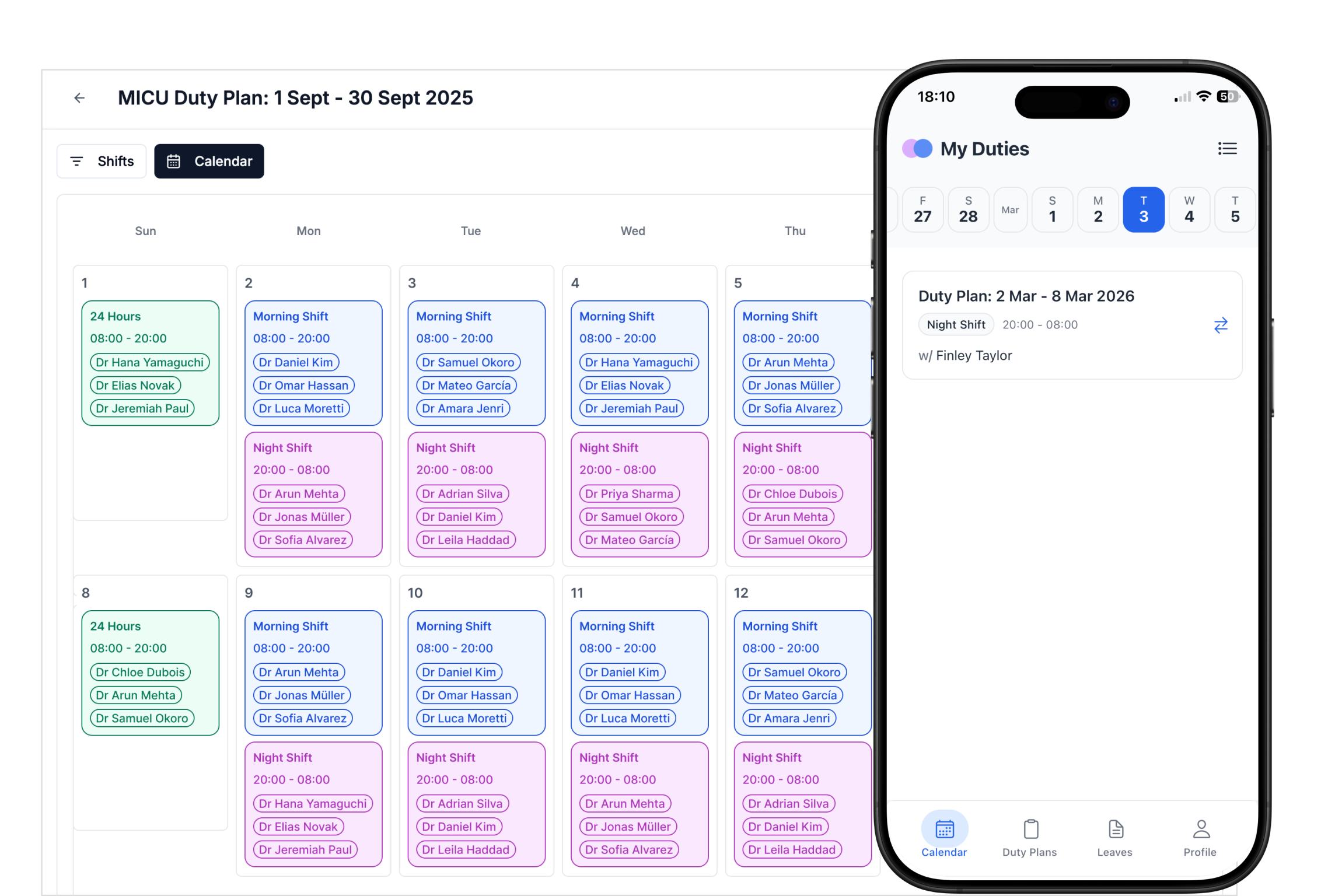
Approved leave and unavailable dates are hard rules. Auto Mode never assigns a doctor on a day they are off, and a conflict with existing duties is flagged automatically.
How it works
Step 1
Request
Before each cycle, doctors are asked to submit leave and availability.
Step 2
Approve
Admins review requests and approve or override.
Step 3
Generate
The roster is built with approved leave treated as a hard rule.
Leave & Availability at a glance
| Details | |
|---|---|
| Request types | Leave by type, unavailable dates, shifts to avoid |
| Coverage | Full day, day shift or night shift |
| Where | Android and iOS apps, and the web |
| Approval | Admins approve or override each request |
| In the roster | Approved leave is a hard rule; conflicts are flagged |
Leave and availability FAQ
How do doctors submit leave in PlanMyRounds?
Can a doctor be rostered while on leave?
Who approves leave?
Are shift preferences guaranteed?
Collect leave before the next roster.
Free for up to 10 doctors. No credit card, no contract.