
ProductIntegrations
Connect scheduling to the tools your hospital already uses.
PlanMyRounds runs on its own, with no IT project to start. When your hospital needs it, PlanMyRounds connects to HR systems for staff data and leave, EMR systems, and doctors' calendars.
Free for up to 10 doctors. No credit card.
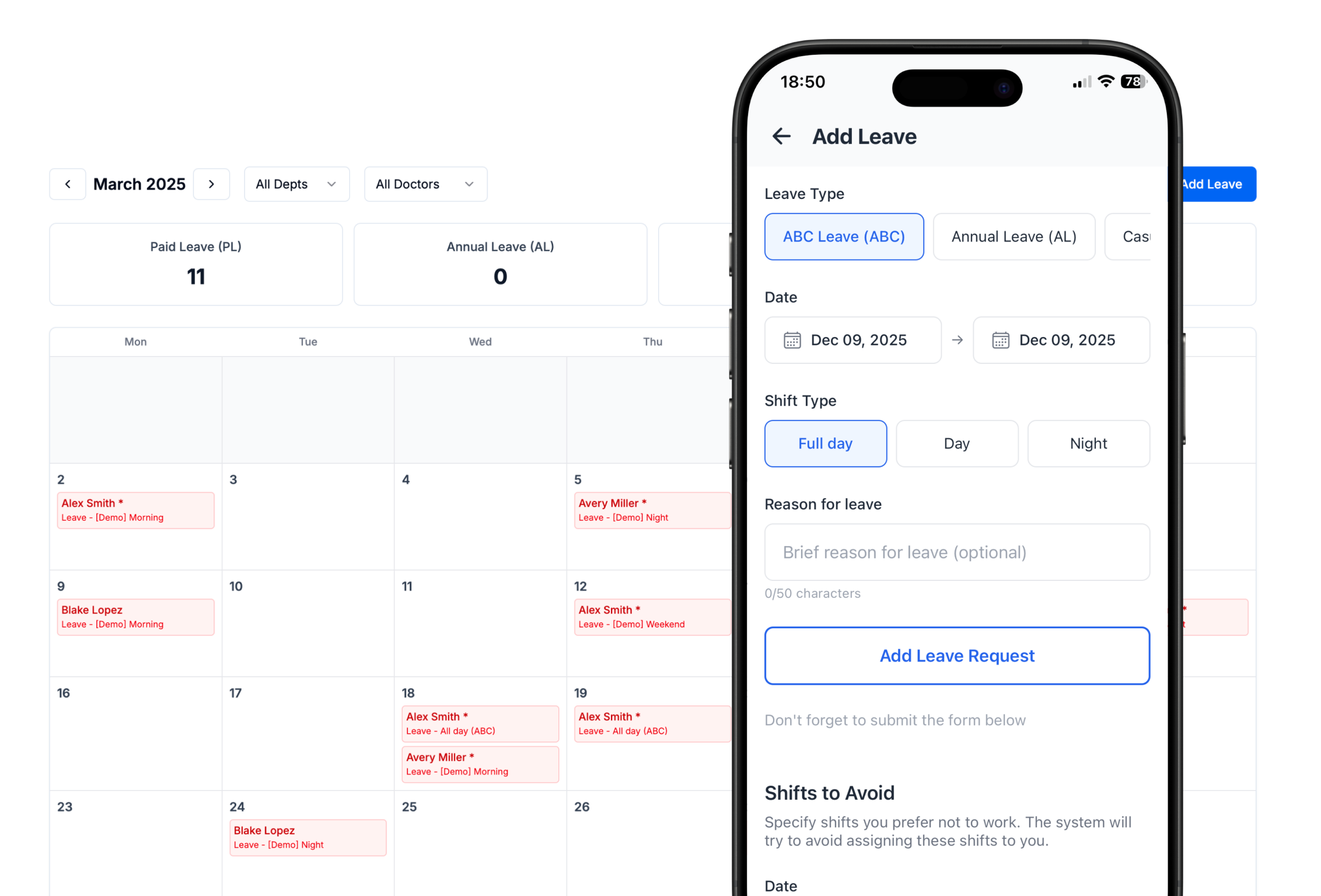
Works on its own. Connects when you need it.
Most departments start with a manual import of their doctors and go live the same day. Integrations are optional and added when the hospital is ready.
Keep schedules connected
PlanMyRounds exchanges the data scheduling depends on, so people and leave are not maintained in two places.
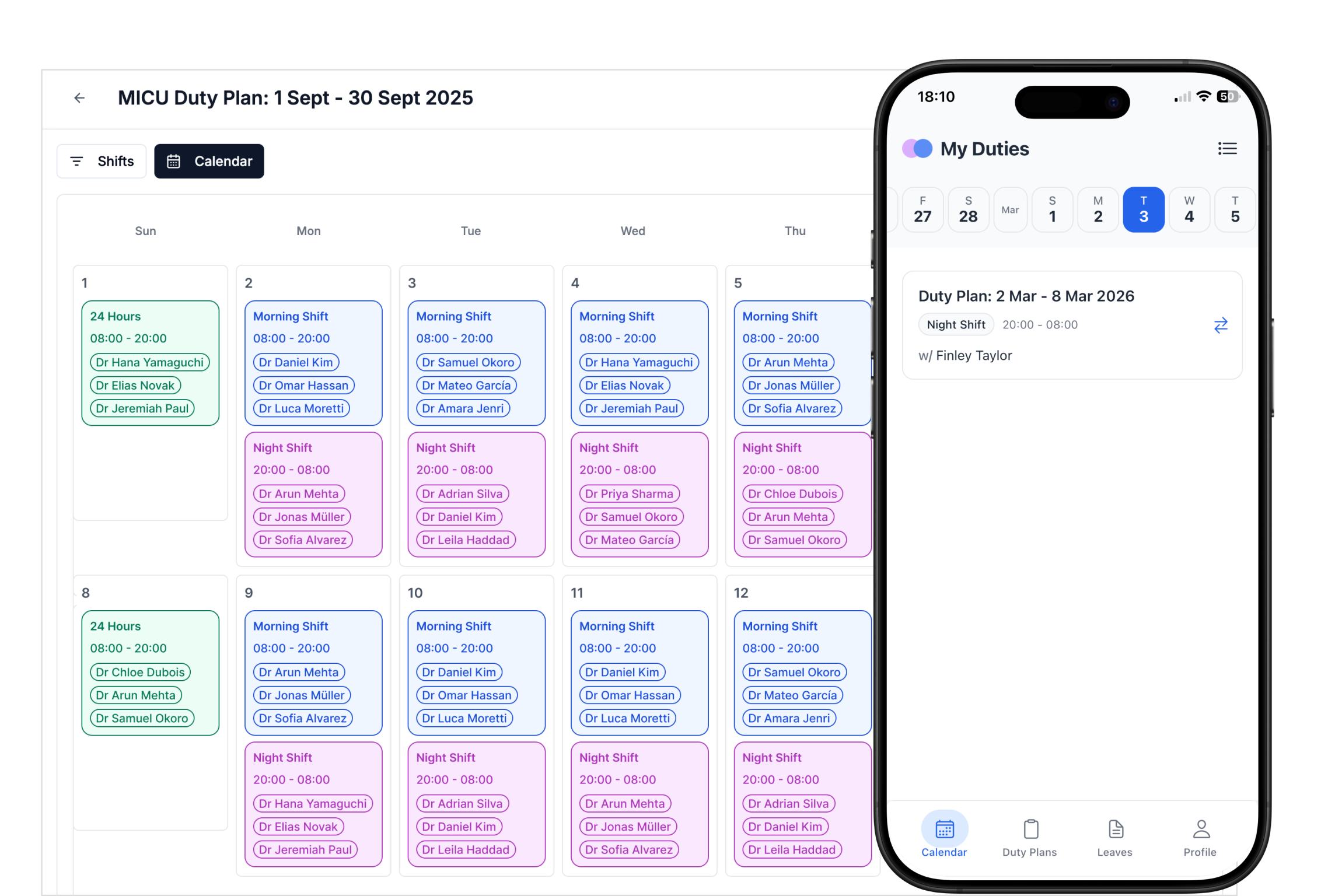
- Calendar: duties sync to Google or Outlook
- HR: doctor data, leave and preferences
- EMR: on request for Health System customers
- Manual import when there is no system to connect
One roster. Fewer places to update.
Hospital systems feed PlanMyRounds, PlanMyRounds builds the roster, and doctors get it on their phone and calendar.
- Hospital systems
- PlanMyRounds
- Doctors
How it works
Step 1
Start standalone
Import doctors and go live without IT approval.
Step 2
Connect calendars
Doctors sync duties to Google or Outlook.
Step 3
Add HR or EMR
Connect hospital systems when you need them.
Integrations at a glance
| Connection | Status |
|---|---|
| Manual import | Available to every plan |
| Google and Outlook calendar sync | Available |
| HR system sync (doctor data, leave, preferences) | Available on request |
| EMR | Available on request |
Integrations FAQ
Does PlanMyRounds need IT integration to start?
Which systems does PlanMyRounds connect to?
Does PlanMyRounds replace our HR or EMR system?
Start standalone. Connect when you are ready.
Free for up to 10 doctors. No credit card, no contract.